

After weeks of leaks, Google officially announced the Pixel 3 and Pixel 3 XL smartphones this week. As many of you know, our Executive team are firmly wedded to the Google Technologies, and in line with the majority of the feedback, the Camera notch on the Pixel 3 has proved to be a stumbling block as it does look huge!
Ever since the Essential Phone and iPhone X started the trend, we’ve seen an increasing number of handsets hit the market, though none quite as exaggerated as Pixel 3 XL. Thankfully, almost every Android phone gives you the option to hide it by making the surrounding area black, but Google made no mention of such a feature during its presentation.
When asked, a Google representative responded, telling us the notch can be hidden in developer settings, which is a little inconvenient, as developer settings are hidden by default – you need to complete an odd little process to activate the menu option. When you do that, you’ll find the a ‘Display Notch’ option in the ‘Drawing’ section.
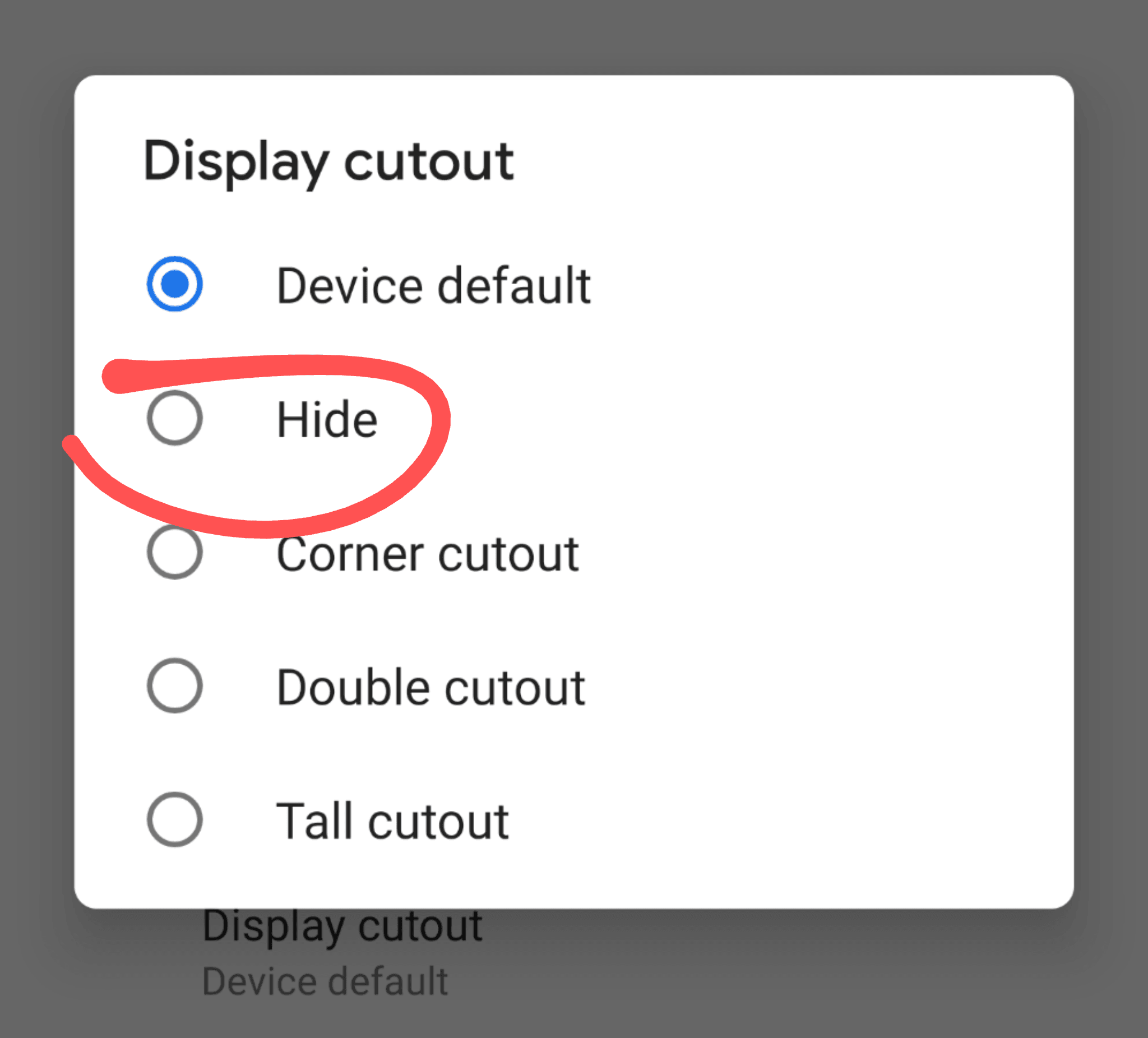
Tap ‘hide’ and Google will black out the area surrounding the notch, making it invisible in most lighting.
It’s not clear if the no-notch look is better. Android still has to display a menu bar, which it does below the simulated bezel. That means you’ll lose even more space in addition to the larger-than-normal area on top that you’re choosing to black out to hide the larger-than-normal notch.
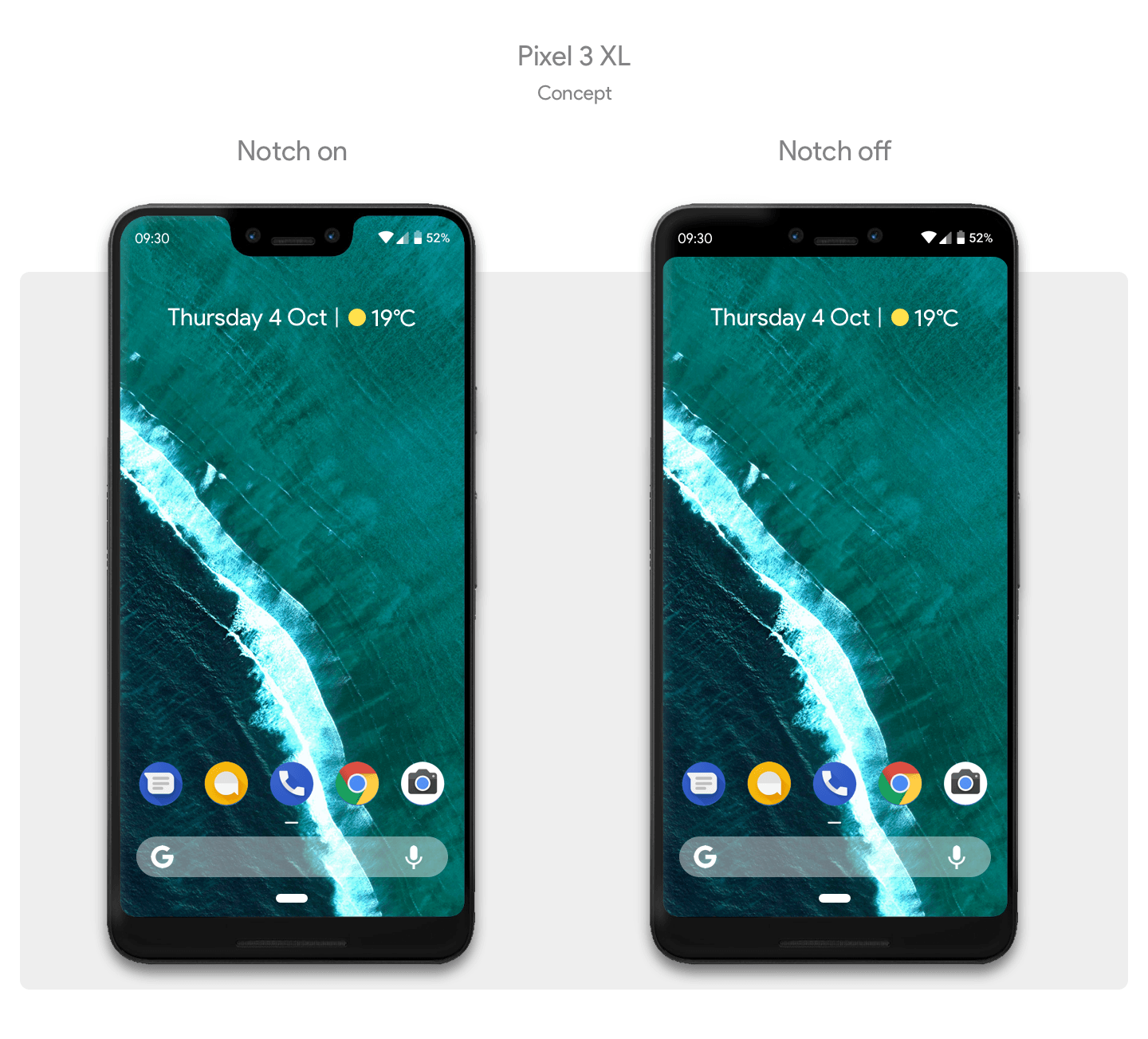
But at least there’s a choice: keep the notch and deal with the giant slab of despair or sacrifice a huge chunk of your screen to get back the bezels you thought you left behind in the name of aesthetics. Which will you choose or will you just stick with your existing Pixel 2?


